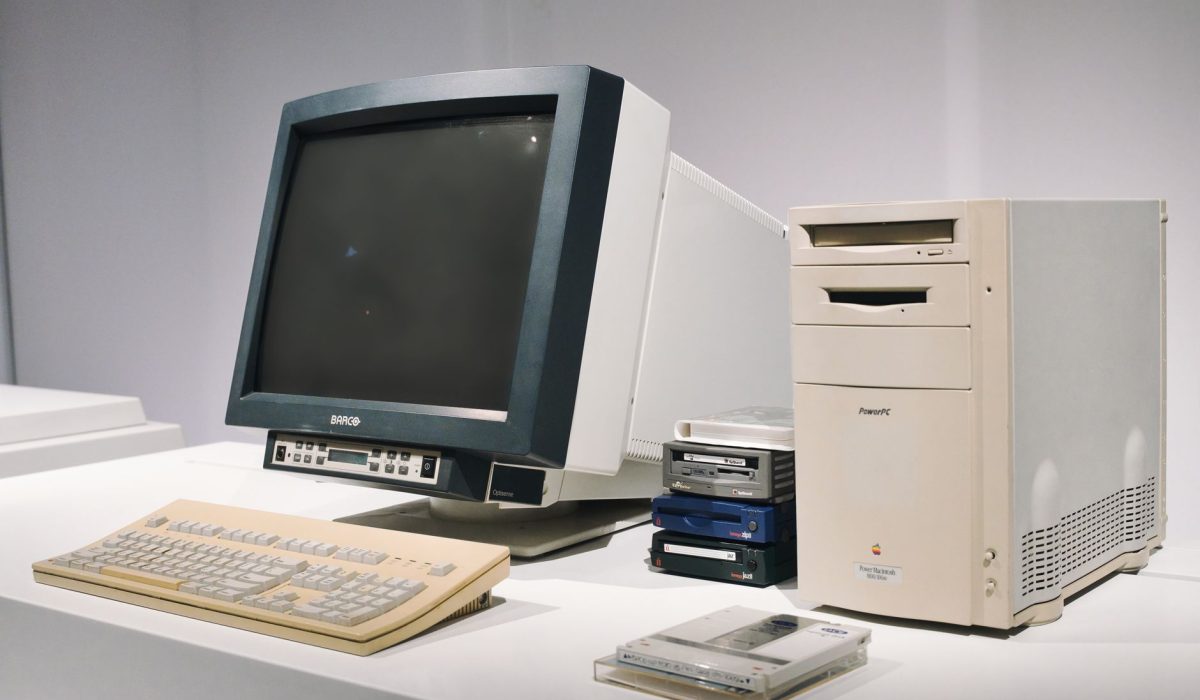
Technology evolves quickly, and many people eventually find themselves wondering what to do with old pc hardware that no longer meets their needs. Whether you have replaced a desktop with a newer model, upgraded to a laptop, or simply stopped using an aging computer, leaving it to collect dust in a corner is rarely the best solution.
An old computer may seem outdated, but it can still have value. In many cases, older PCs can be upgraded, repurposed, donated, sold, or recycled responsibly. The right choice depends on the condition of the machine, its specifications, and your personal goals.
Instead of viewing an older computer as electronic waste, consider it an opportunity. Even systems that are no longer suitable for demanding tasks can often perform useful functions for years. Understanding the available options can help you make the most of your aging hardware while reducing environmental impact.
Determine Whether Your Old PC Can Still Be Useful
Before deciding what to do with an old computer, it is important to evaluate its condition. A PC that feels slow may still be capable of handling many everyday tasks. Older systems often struggle with modern software because of limited memory, aging storage drives, or outdated operating systems rather than severe hardware limitations.
Checking the processor, available RAM, storage capacity, and overall system health can provide a clearer picture of what the computer is capable of doing. Sometimes a simple upgrade can significantly improve performance and extend the life of the machine.
Many users are surprised to discover that installing additional memory or replacing an old hard drive with a solid-state drive can transform an aging computer into a responsive and reliable device once again.
If the system powers on, functions properly, and supports basic applications, there is a good chance it can still serve a useful purpose.
Upgrade the PC for Better Performance
One of the most practical options is upgrading the computer rather than replacing it entirely. While not every system is worth investing in, many desktops and some laptops can benefit from affordable improvements.
Replacing a traditional hard drive with an SSD is often one of the most noticeable upgrades. Faster storage can reduce boot times, improve application loading speeds, and make the overall experience feel significantly smoother.
Adding more RAM can also improve performance, especially for users who multitask or use modern web browsers with multiple tabs open. Memory upgrades are often relatively inexpensive and can provide meaningful improvements.
Cleaning the internal components may also help. Dust buildup can cause overheating and reduce performance over time. A thorough cleaning can improve airflow and help the system operate more efficiently.
Installing a lightweight operating system can further extend the usefulness of older hardware. Some users choose alternative operating systems designed to run efficiently on aging computers, allowing them to continue using the device for everyday activities.
Upgrading may not turn an old PC into a gaming powerhouse, but it can often make it suitable for basic productivity tasks, web browsing, and media consumption.
Repurpose the Computer for a New Role
Repurposing is one of the most creative answers to the question of what to do with old pc equipment. Even if a computer is no longer ideal as a primary machine, it can still perform many specialized functions.
An old PC can become a dedicated media center for streaming movies, music, and television content. Connecting it to a television can create an affordable entertainment hub for the home.
Some users transform older computers into home servers. These systems can store files, host backups, stream media, or support personal projects. A dedicated file server can be especially useful for households with multiple devices.
Students and children may also benefit from an older computer. Even modest hardware can handle educational software, online learning platforms, and basic productivity applications.
Creative individuals sometimes use old PCs as testing environments for learning programming, experimenting with software, or practicing system administration skills. Having a separate machine for experimentation reduces the risk of affecting a primary computer.
Repurposing extends the life of hardware and helps maximize the value of the original investment.
Sell or Donate Your Old Computer
If you no longer need the computer, selling or donating it can be a practical and responsible choice. Many older systems still have value, particularly if they remain functional and are in good condition.
Before selling a computer, it is important to remove personal data completely. Simply deleting files is not always enough. Performing a full system reset or securely wiping the storage drive helps protect sensitive information.
The resale value of a computer depends on its age, specifications, condition, and market demand. Even older systems may attract buyers looking for affordable hardware for basic tasks.
Donating a computer can make a meaningful difference in someone's life. Schools, community organizations, charities, and nonprofit groups often welcome technology donations. A computer that no longer meets your needs could still provide educational opportunities for others.
Many organizations refurbish donated computers before distributing them to students, families, or individuals who lack access to technology. This approach extends the useful life of hardware while supporting important community initiatives.
Whether you choose to sell or donate, ensuring that the system is clean, functional, and free of personal data is essential.
Use Parts for Future Projects
Sometimes the computer itself may no longer be useful, but individual components can still have value. Many desktop PCs contain reusable parts that can serve future projects or repairs.
Storage drives can often be repurposed as external backup devices when combined with inexpensive enclosures. These drives can provide additional storage space for documents, photos, and media files.
Memory modules, power supplies, cooling fans, and optical drives may also remain useful depending on their compatibility with other systems.
Some enthusiasts enjoy disassembling older computers to learn more about hardware and electronics. Exploring internal components can be an educational experience for students and technology enthusiasts.
Monitors, keyboards, mice, and speakers often outlast the computer itself and may continue functioning for many years. These accessories can be reused with newer devices or kept as spare equipment.
Repurposing individual components helps reduce waste and ensures that usable hardware continues serving a purpose.
Recycle Responsibly and Protect the Environment
When a computer reaches the end of its useful life, recycling becomes the most responsible option. Electronic waste contains materials that should not be disposed of in standard household trash.
Computers contain metals, plastics, and electronic components that can be recovered and reused through proper recycling processes. Responsible recycling helps conserve resources and reduces environmental impact.
Before recycling a computer, it is crucial to remove or securely erase all personal data. Storage devices may contain sensitive information even if files have been deleted.
Many communities offer electronic recycling programs that accept old computers and related equipment. Manufacturers and retailers may also provide recycling services or trade-in programs that make disposal easier.
Proper recycling prevents harmful materials from entering landfills and supports the recovery of valuable resources that can be used in future products.
Taking the time to recycle responsibly benefits both the environment and the broader technology ecosystem.
Final Thought
Deciding what to do with old pc hardware does not have to be difficult. Whether you choose to upgrade, repurpose, donate, sell, or recycle your computer, there are many ways to extend its usefulness and reduce waste.
Older computers often retain value even when they no longer serve as primary devices. With a little creativity, they can become media centers, learning tools, home servers, backup systems, or valuable donations for people in need. In cases where the hardware has reached the end of its lifespan, responsible recycling ensures that materials are recovered safely and sustainably.
Rather than allowing an old computer to sit unused, taking action can help you recover value, support others, and contribute to a more environmentally responsible approach to technology.
FAQs
What should I do before getting rid of an old PC?
You should back up important files and securely erase all personal data from the storage drive before selling, donating, or recycling the computer.
Can an old PC still be useful?
Yes. Many older computers can still handle web browsing, office work, media playback, and educational tasks.
Is it worth upgrading an old computer?
In many cases, upgrading storage or memory can significantly improve performance and extend the life of the system.
Can I donate my old computer?
Yes. Many schools, charities, and nonprofit organizations accept functional computer donations.
How do I safely recycle a computer?
Use certified electronics recycling programs or approved recycling centers that specialize in handling electronic waste.
Can I sell an old PC that is several years old?
Yes. Older computers often retain value, especially if they are functional and in good condition.
What parts of an old PC can be reused?
Storage drives, memory, power supplies, cooling fans, monitors, keyboards, and other accessories may often be reused in future projects or systems.